
Octopus Pro3.0 - Get APK
You'll be able to download in few seconds.
Publisher Description
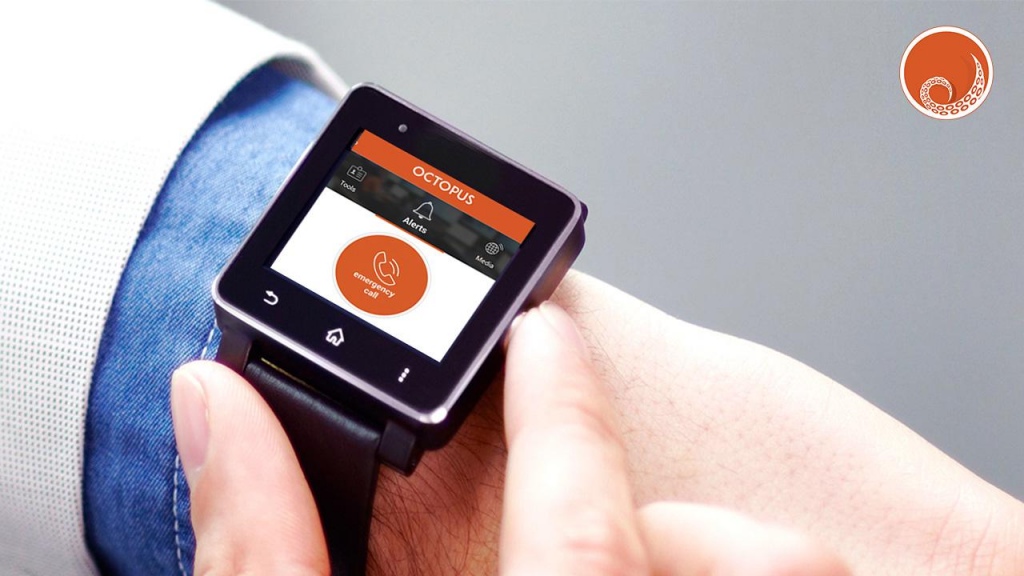
Octopus is an innovative application for emergency response, security management and integrated command and control on an enterprise level.
The Octopus application allows mobile users and company’s employees to send a distress signal in case of an emergency in order to receive assistance from first responders and security agencies.
Application offers a comprehensive security management terminal for security personnel, allowing them to receive incident dispatch details, to fill in on-line reports, open gates and doors, check vehicles, view locations on the GIS map and more.
The Octopus App enables the mobile users to communicate with the organization and with each other in an encrypted manner for emergency, safety & operational needs.
Octopus App is hosted on a secure cloud and utilizes encryption and secure communications protocol.
Application was developed by Octopus Systems, a software company specializing in the development of a high-end enterprise level PSIM system (Physical Security Information Management) for managing all aspects of Security, Safety and Operations from one place.
The Octopus app was designed with the combined experience and knowledge of specialists in the field of physical security, safety and information protection.
The Octopus app is used by customers such as: critical facilities, universities and education centers, law enforcement and security agencies, health care, airports and transportation, oil and gas, power and utilities, commercial facilities and multi-sited private companies.
About Octopus Pro
The company that develops Octopus Pro is GMS APP. The latest version released by its developer is 3.0.
To install Octopus Pro on your Android device, just click the green Continue To App button above to start the installation process. The app is listed on our website since 2016-12-28 and was downloaded 0 times. We have already checked if the download link is safe, however for your own protection we recommend that you scan the downloaded app with your antivirus. Your antivirus may detect the Octopus Pro as malware as malware if the download link to com.projects.octopusPro is broken.
How to install Octopus Pro on your Android device:
- Click on the Continue To App button on our website. This will redirect you to Google Play.
- Once the Octopus Pro is shown in the Google Play listing of your Android device, you can start its download and installation. Tap on the Install button located below the search bar and to the right of the app icon.
- A pop-up window with the permissions required by Octopus Pro will be shown. Click on Accept to continue the process.
- Octopus Pro will be downloaded onto your device, displaying a progress. Once the download completes, the installation will start and you'll get a notification after the installation is finished.
Program Details
System requirements
Download information
Pricing
Version History
version 3.0
posted on 2016-12-28
Disclaimer
External Download
We do not host Octopus Pro on our servers. We did not scan it for viruses, adware, spyware or other type of malware. This app is hosted by Galad and passed their terms and conditions to be listed there. We recommend caution when installing it.
The APK Download link for Octopus Pro is provided to you by apps112.com without any warranties, representations or guarantees of any kind, so access it at your own risk.
If you have questions regarding this particular app contact the publisher directly. For questions about the functionalities of apps112.com contact us.
